
Workflow End-User Experience
About the End-User Experience
This page describes what the end user sees when completing a workflow in Bynn’s Intelligent Data Collection Tool.
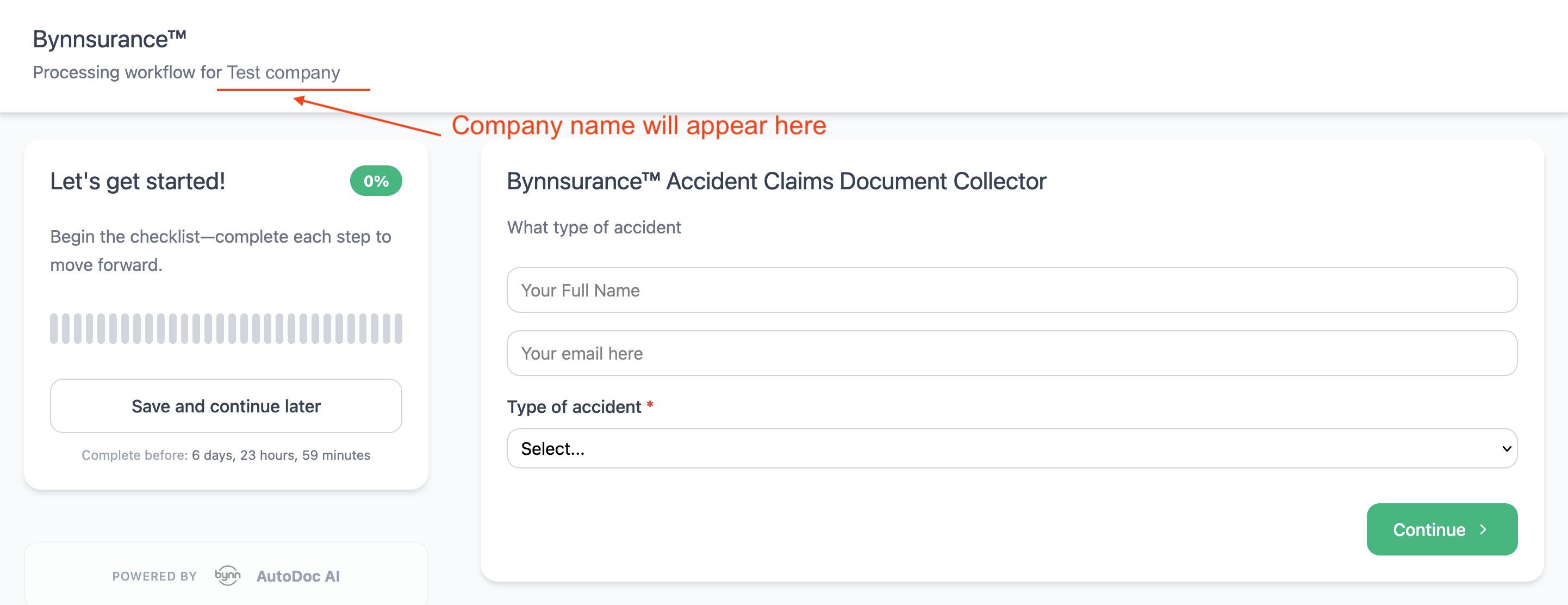
When the end-user opens a workflow, the interface shows the workflow title, progress, time remaining, and Save and continue later.
The main content area changes depending on the current step in the workflow. This can include collection steps, input steps, informational screens, or other user-facing actions.
Save and Continue Later
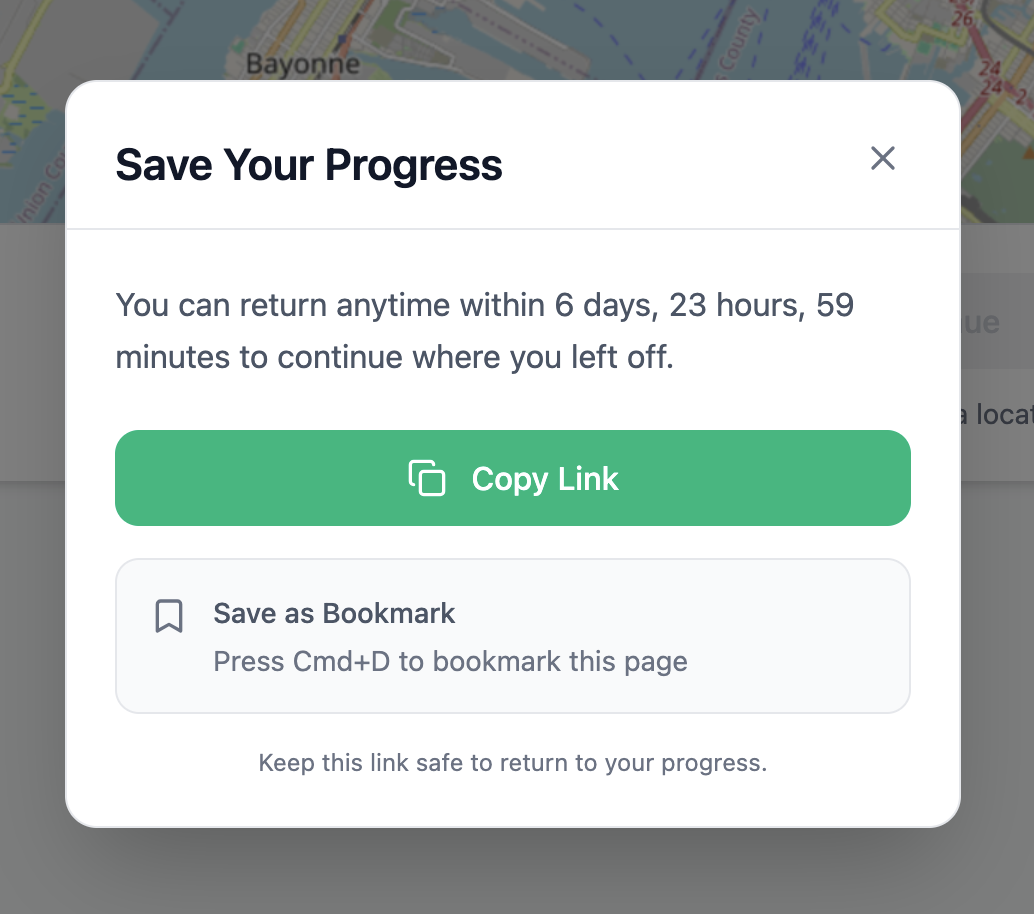
The option to Save and continue later is always available throughout the workflow.
This allows the end user to pause the workflow and return to the same submission later, as long as the workflow has not timed out. When used, a return link is provided so the workflow can be resumed from where the user left off.
Completion Experience
What the end user sees at the end of a workflow depends on the configured path.
Some workflows end immediately when a final outcome is reached, while others show an informational or confirmation screen before the workflow ends. For example, different end messages can be shown depending on whether the workflow reaches an approval or rejection path.
Updated 4 months ago