
Workflows – Overview
About Workflows
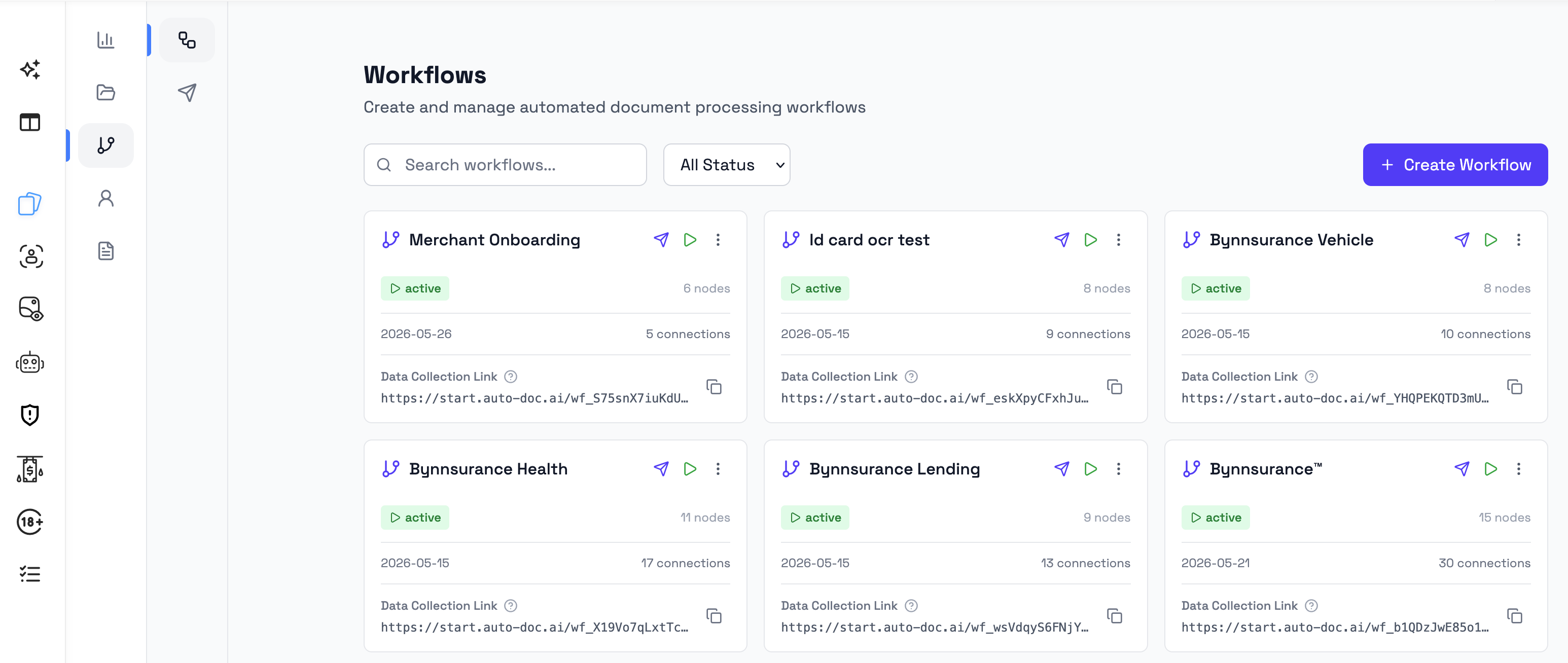
Workflows define how a case runs in Bynn’s Intelligent Data Collection Tool.
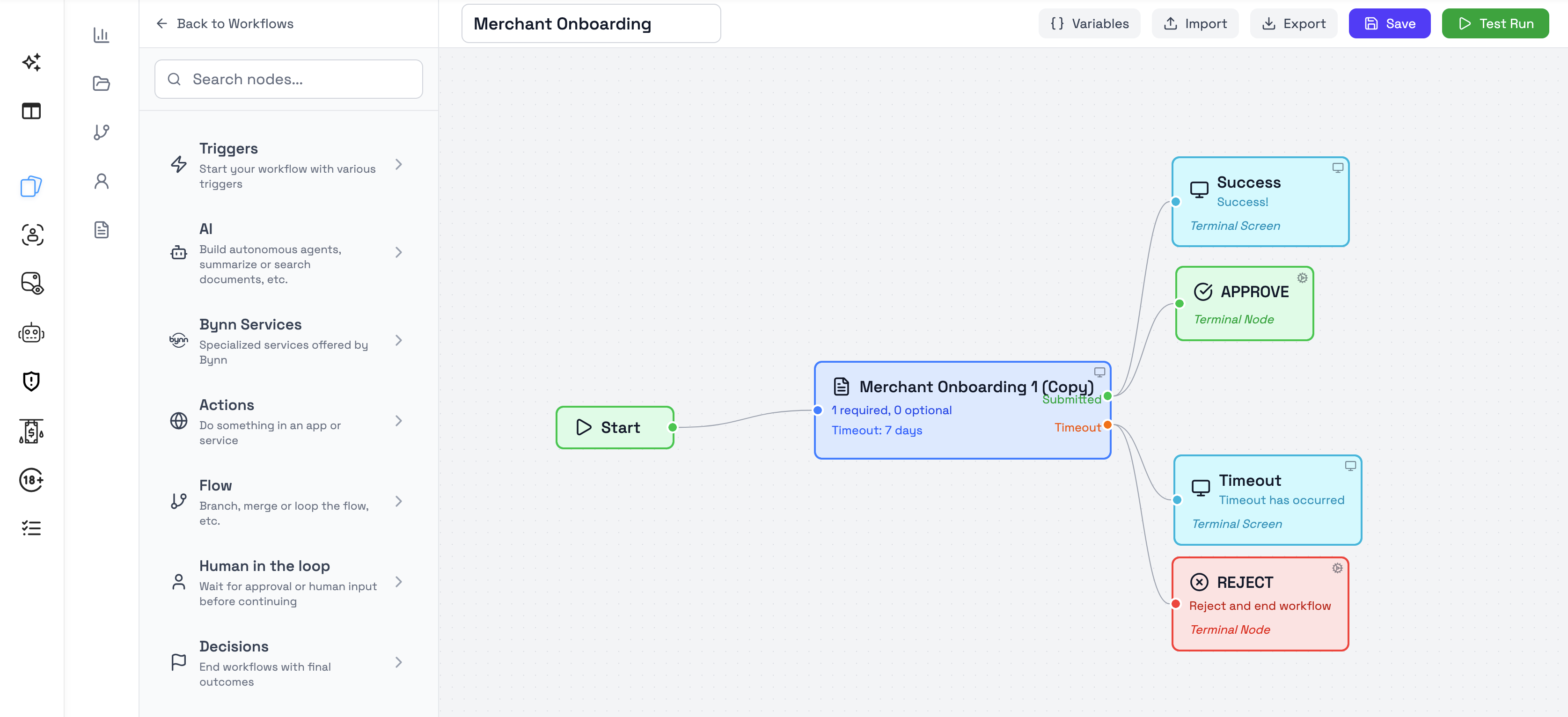
A workflow controls how a case starts, which steps are shown to the user, which worker or AI steps run in the background, how decisions are applied, and how the process reaches an outcome.
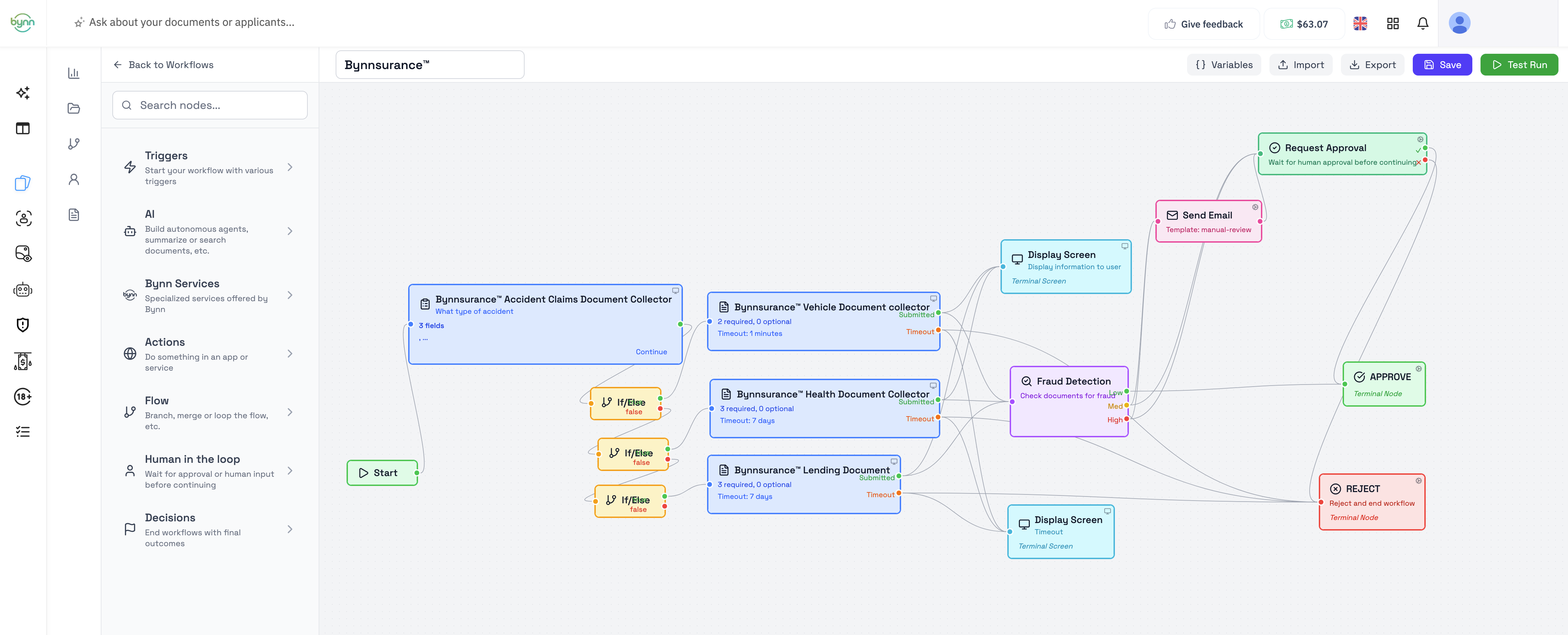
Workflows can be simple or advanced. A simple workflow might show a user-facing step and then end. A more advanced workflow can include multiple user-facing steps, worker nodes, AI-driven processing, routing logic, manual review, and different end paths depending on the outcome.
Each time a workflow is launched, a new submission is created. That submission represents the live workflow run and can be followed in Submissions. Submission statuses currently show In Progress or Completed, though this may change in future versions.
How Workflows fit into Bynn’s Intelligent Data Collection Tool
Workflows are the orchestration layer of Bynn’s Intelligent Data Collection Tool. At a high level, Bynn’s Intelligent Data Collection Tool is structured around four main areas:
- Collections, where document request templates are configured
- Workflows, where process logic and runtime behavior are defined
- Submissions, where live and completed cases are reviewed
- Dashboard, where overall activity is monitored
- Human In The Loop, for manual approval if required in workflow. A workflow connects these parts into a single executable process. When the workflow is launched, the user completes the configured steps, the workflow processes the case, and the resulting submission appears in Submissions for review.
Core workflow concepts
A workflow is built from connected nodes.
Each node represents a step in the process. Some steps are shown to the user, while others run in the background. Together, these nodes define how the workflow starts, how the case moves through each stage, and how it reaches an outcome.
When a workflow is launched, a submission is created for that specific run. The exact path that submission follows depends on how the workflow has been configured.
Typical workflow lifecycle
A workflow typically follows this sequence:
- Create or open a workflow
- Add and connect the required nodes
- Configure the node settings
- Save the workflow
- Launch it through the Data Collection Link or another trigger
- Let the user complete the flow
- Review the resulting submission in Submissions
Saving updates the live workflow. New workflow runs use the latest saved version. If a workflow is changed while a submission is already in progress, that submission can continue according to the updated version when it advances to its next step.
Each workflow has one Data Collection Link. That link remains stable when the workflow is re-saved and is currently always available.
What a workflow can include
Depending on how it is configured, a workflow can include:
- visitor or webhook-based entry points
- document collection steps
- user-facing screens and inputs
- worker nodes that run in the background
- AI-based extraction or decision steps
- conditional routing
- human review steps
- terminal outcomes such as approve or reject What the end user sees depends entirely on how the workflow is configured. Some workflows are short and linear, while others include multiple branches, worker steps, timeouts, and different end-user screens depending on the path taken.
Next steps
Once you understand workflows at a high level, the next step is usually to learn how to build and manage them in the workflow builder.
Recommended follow-up pages:
- Workflow Builder
- Workflow Runtime and Launch
- Workflow Nodes Overview
Updated 4 months ago